How to Resize Photo & Signature for Govt Exam Forms (20KB - 50KB Guide)
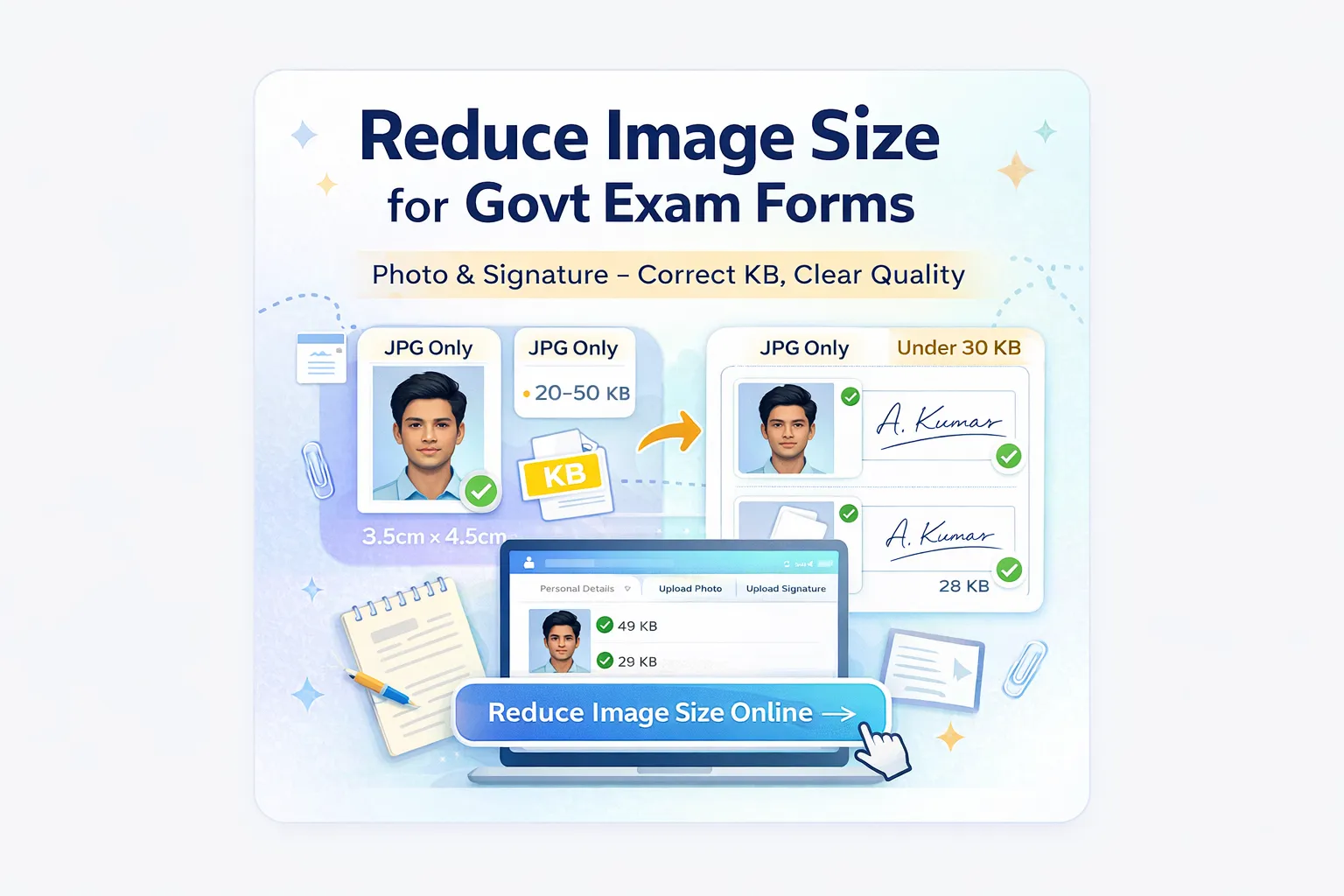
We have all been there. You are filling out a crucial application form for SSC CGL, UPSC, or NEET. You spend 30 minutes entering your details, reach the final step to upload your photo, and suddenly—
The Requirement: Government portals need files under 50KB.
Government servers handle millions of applicants, so they enforce strict limits to prevent crashes. If you don’t have Photoshop, don’t worry. This guide will show you how to resize your documents in seconds using your phone or laptop.
Standard Requirements for Indian Exam Forms (2025)
Before you start resizing, you must know the rules. While every exam notification is different, 90% follow this standard pattern:
| Exam / Body | Photo Size (KB) | Signature Size (KB) | Required Format |
|---|---|---|---|
| SSC (CGL, CHSL, MTS) | 20 KB – 50 KB | 10 KB – 20 KB | JPEG / JPG |
| UPSC (Civil Services) | 20 KB – 300 KB | 20 KB – 300 KB | JPG |
| IBPS (Bank PO/Clerk) | 20 KB – 50 KB | 10 KB – 20 KB | JPG |
| RRB (Railways) | 15 KB – 40 KB | 10 KB – 20 KB | JPG |
Note: Always refer to the official notification PDF for your specific exam to be 100% sure.
Step-by-Step: How to Reduce Image Size
You do not need to download heavy apps. You can do this directly in your browser using our secure tool.
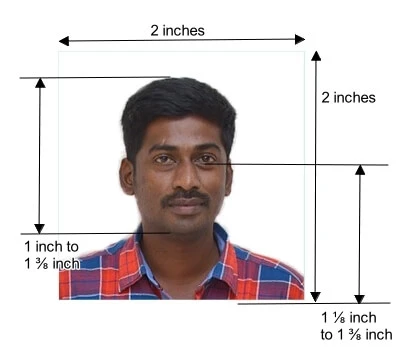
Step 1: Crop the Extra Background
This is the most common mistake. Don't upload a photo of your entire table. Use your phone gallery's edit function to crop strictly around the photo.
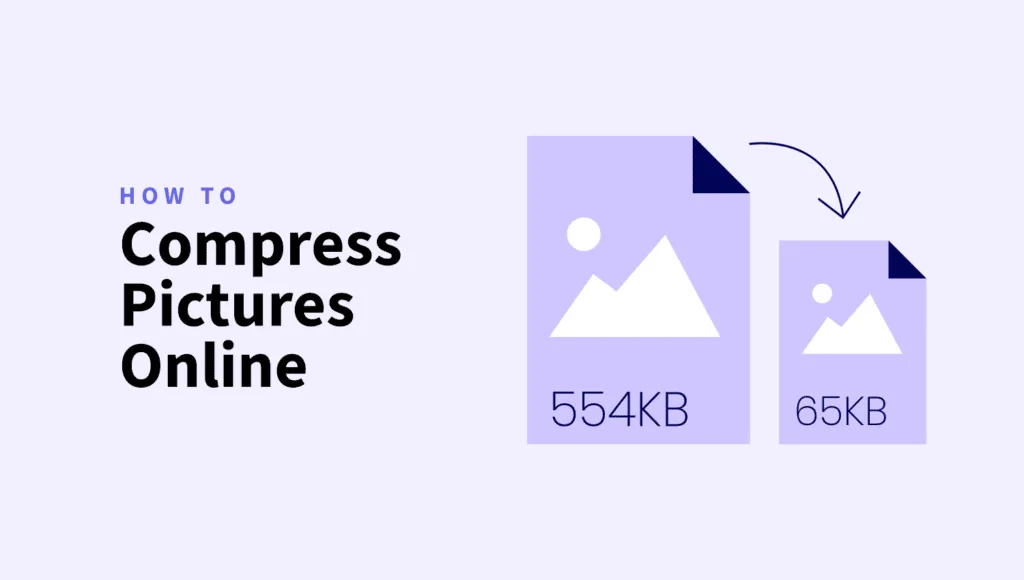
Step 2: Compress the Image
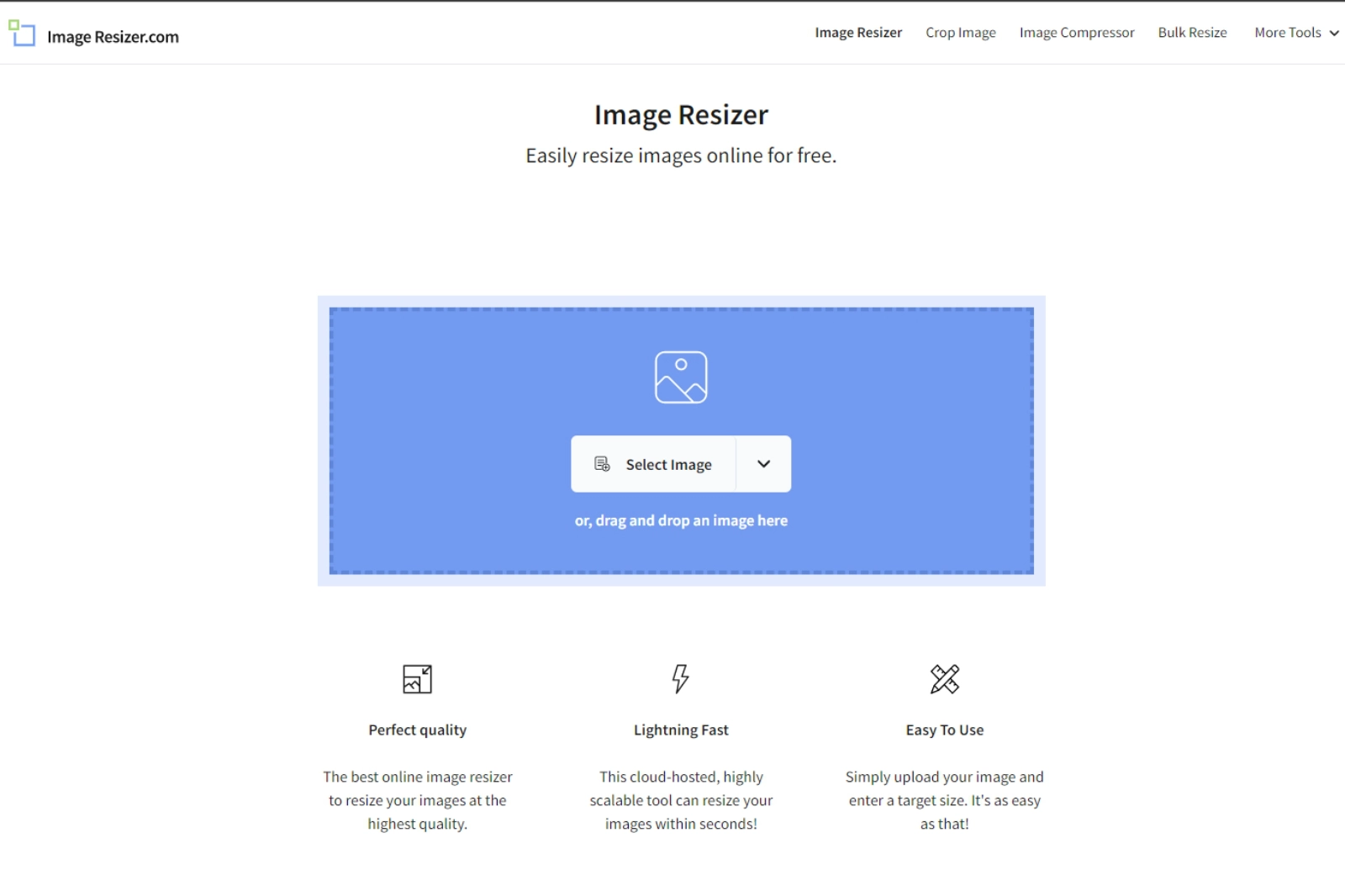
- Go to our Online Image Compressor.
- Upload your cropped photo or signature.
- Enter your target size (e.g., if the limit is 50KB, aim for 45KB to be safe).
- Click Download.
Common Mistakes: The "Black Box" Signature
Have you ever uploaded a signature and it appeared as a black box? Or was it rejected for being blurry?
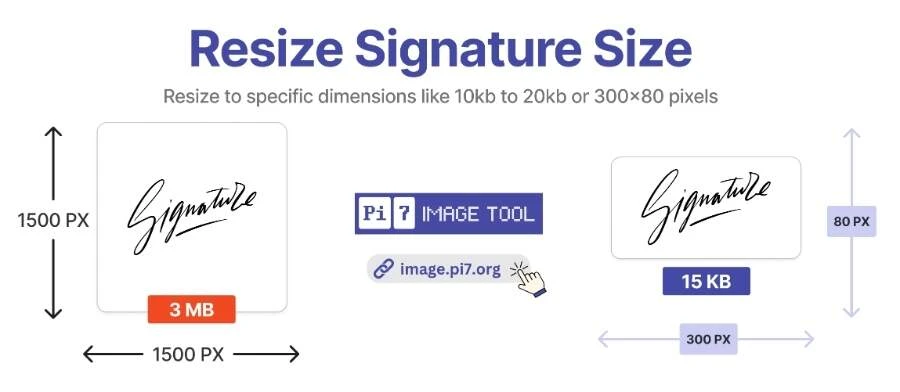
- The Black Box Issue: This happens if you use a PNG with a transparent background. Government portals do not understand transparency; they turn it black. Always convert PNG to JPG first.
- The Blur Issue: If you compress a file too much (e.g., from 5MB down to 10KB directly), it will become pixelated.
Is It Safe to Upload My Documents Online?
Security is a valid concern when uploading personal identity documents. Here is how we handle it:
- No Human Access: The compression process is fully automated. No human ever sees your photos.
- Auto-Deletion: Files are automatically deleted from the server shortly after processing.
- Client-Side Speed: For many operations, the processing happens quickly to ensure you can get back to your application form immediately.
Frequently Asked Questions
Q: My photo is 20.5KB. Will it be accepted if the minimum is 20KB?
A: It is risky. If the requirement is 20KB–50KB, try to keep your file around 35KB. Being on the edge limits often causes upload errors.
Q: The form asks for 3.5cm x 4.5cm. How do I measure that on a screen?
A: Don't worry about measuring centimeters on a screen. Focus on the Aspect Ratio (vertical rectangle) and the File Size (KB). If these two are correct, the form software will usually accept it.
Q: Can I use a selfie?
A: Never. Selfies have bad angles and shadows. Ask a friend to take a photo of you standing against a plain light-colored wall, or scan a physical passport photo.
Final Thoughts
Filling out government forms is stressful enough without technical errors blocking your way. The key formula for success is:
JPG Format + Correct KB Size = Success
Don't wait until the server crashes on the last day. Fix your files now.
Free • Fast • No Signup Required